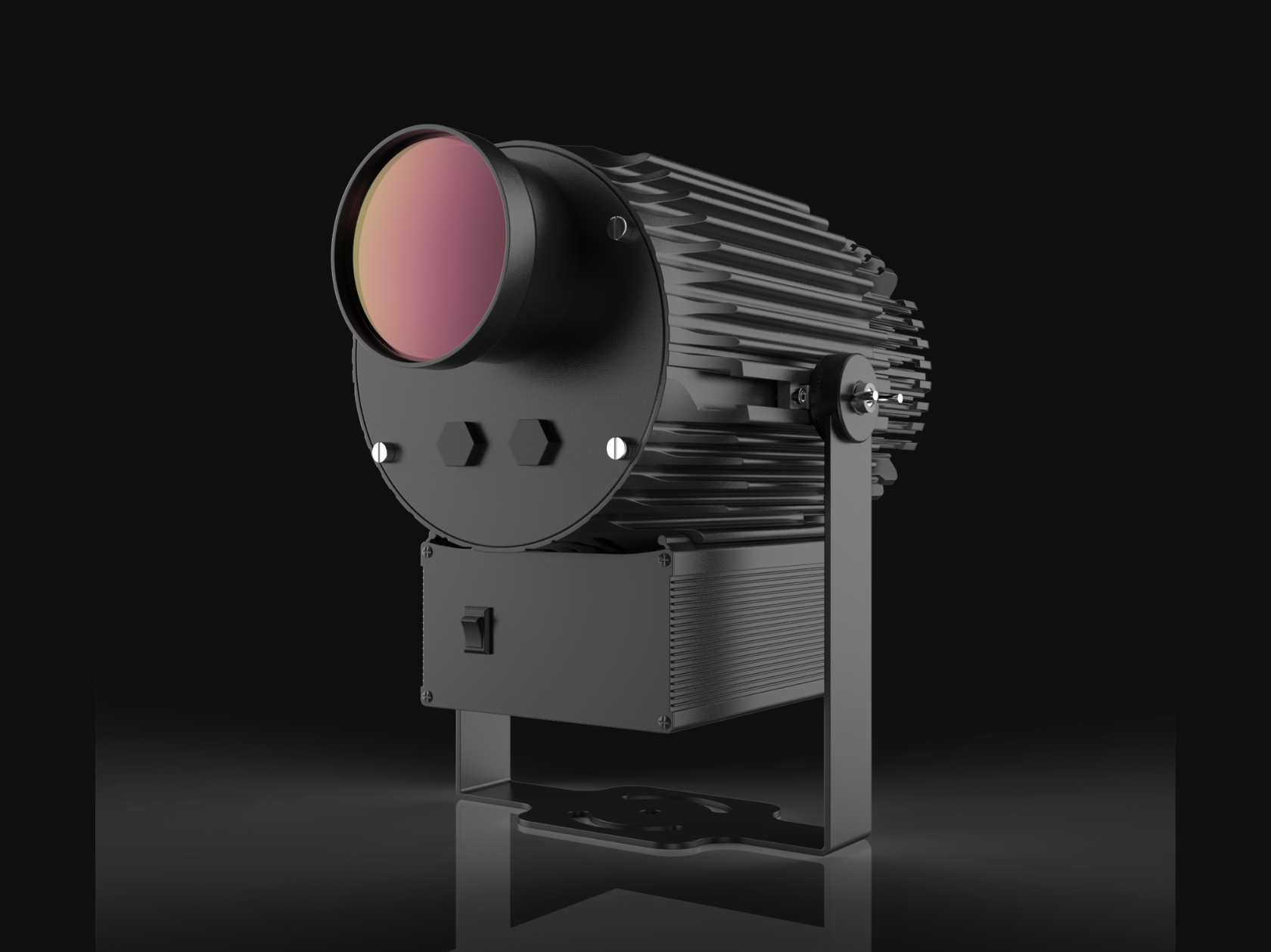
To plan gobo projection size, measure the throw distance available at the site, define the visible image dimensions and check those values against data for the exact projector and lens. There is no reliable universal distance formula across all products because optical ratios, field definitions and compatible lenses differ. Keep units consistent, confirm where the manufacturer measures distance, and distinguish the full projection field from the visible logo inside it. Then verify that the proposed image fits the surface, remains reasonably focused at the mounting angle and has enough contrast in real ambient light.
Define Throw Distance and Projection Size
Throw distance is the optical distance from the projector lens reference point to the projection surface. The manufacturer may specify a different reference, so check the manual or chart. Projection size may mean width, height, diameter or the full illuminated field. Write the definition beside every number.
Measure from a feasible mount, not from the nearest wall or a convenient floor point. Include brackets, setbacks, beams and protective positions that move the lens. Define the desired visible artwork size and the maximum clear surface area. For context on optical categories, see the gobo projector lens guide.
Use the Manufacturer’s Lens Ratio or Projection Chart
Use documentation for the exact projector and lens combination. A projection chart may list image dimensions at several distances. A lens ratio may relate throw distance to a stated image dimension. Some systems publish beam angles instead. Follow the manufacturer’s definitions rather than mixing values from different brands or product families.
If interpolation is permitted, stay within the documented range and confirm the result with the supplier. Do not extrapolate far beyond a chart. Focus limits, optical quality and mechanical compatibility may constrain the setup even when a simple geometric calculation appears to work. Keep the model name, lens code and document revision with your calculation.
Keep Units and Image Definitions Consistent
Convert all measurements into one unit before calculating or comparing data. Mixing feet with meters, inches with millimeters or radius with diameter creates avoidable errors. Label each value and retain the original field measurements.
- State whether size means width, height or diameter.
- State whether distance is measured from the lens or housing.
- Separate full field size from visible artwork size.
- Note any transparent margin around the logo.
- Record whether the target plane is vertical, horizontal or angled.
A scaled site sketch is often more useful than a list of unlabeled numbers. Add photos showing the proposed mount and target in the same frame where possible.
Check Whether the Result Fits the Available Surface
A calculated image can be optically possible but unsuitable for the wall or floor. Check clear width and height after accounting for doors, windows, shelving, signs, columns and changes in material. Leave tolerance for aiming and installation variation rather than designing to the last millimeter.
Inspect where important artwork elements land. A logo may technically fit while its text crosses a joint or its symbol falls on dark cladding. Consider normal viewing direction and whether people, vehicles or furniture will block the beam. If the mounting point has to move, repeat the optical check; a small change in throw can alter both size and alignment.
Account for Mounting Angle and Image Distortion
Projection perpendicular to a flat surface gives the most even geometry and focus. Angled projection can create a trapezoidal image, often called keystone distortion, because one edge is farther from the lens. It can also make one area sharper than another when depth differences exceed the available focus tolerance.
Artwork can sometimes be pre-distorted for a known installation, but that requires accurate geometry and stable mounting. It does not solve surface relief or every focus issue. Reduce the angle through better positioning where possible. The projector selection guide also covers mounting and surface considerations that should be settled before final artwork production.
Verify Brightness and Focus with a Site Test
Geometry tells you where and how large the image may be; it does not prove visibility. A larger field distributes light over more area, and ambient light can wash out the result. Surface color and texture affect contrast. Use the brightness and ambient-light guide to prepare a realistic test.
Position the proposed projector and lens at the planned distance, set the required image size and focus on the actual surface. Check from normal viewing positions during the intended operating hours. Record lens, distance, mounting height, image dimensions and light conditions. If a full site test is impossible, identify that uncertainty in the project brief.
Keep a calculation sheet that another person can audit. It should show the source of every optical value, all unit conversions, the selected lens, the measured distance and the resulting field definition. Attach a marked photograph or drawing. If a supplier confirms a value by email, store that confirmation with the project record. This discipline is especially useful when construction continues between survey and installation, since the team can quickly test a revised mounting point without rebuilding the reasoning from memory. After commissioning, replace estimated values with final measurements and record the focus position where practical. The completed record supports future relocation, artwork changes and troubleshooting. It also makes clear which conclusions came from manufacturer data and which came from site assumptions. If an assumption changes materially, repeat the check rather than carrying forward a result that no longer describes the installation. Date each revision and identify who verified the dimensions.
Submit Measurements and Request a Quote
Provide a dimensioned sketch, throw distance, target image dimensions, surface photos, mounting height and angle, ambient-light notes, environment and artwork. If the position is flexible, give a range rather than one guessed number.
FAQ: Is there one gobo projection size calculator for every projector? No. Calculations need lens data and definitions for the specific product.
FAQ: Does doubling distance double image size? Do not assume that without checking the documented optical relationship and valid range.
FAQ: Where should I measure throw distance from? Use the reference point stated by the manufacturer, commonly associated with the lens rather than the mount.
FAQ: Why is my visible logo smaller than the calculated field? Empty margins or the artwork shape may occupy only part of the full projection area.
Attach the dimensions and request a quote using your site measurements.