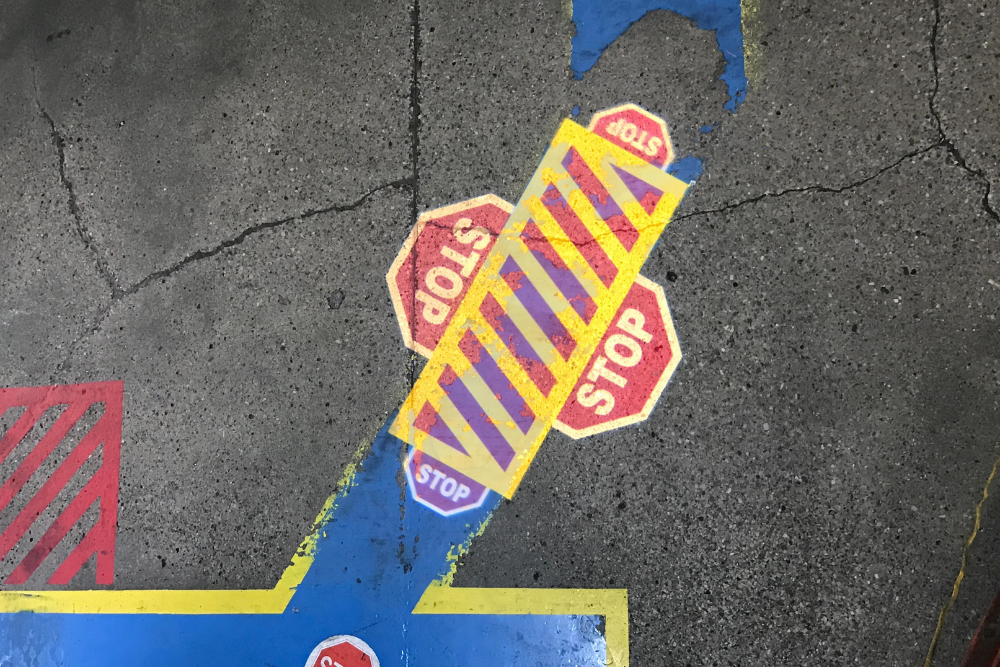
An outdoor gobo projector is not simply a brighter indoor unit. Location changes environmental exposure, electrical protection, mounting, cable routing, service access, ambient light and the way a surface changes through the day or season. Indoor projects usually offer more control, but ceiling structure, ventilation, public access and interior lighting still matter. Select equipment from documented conditions and manufacturer ratings for the exact model. Do not assume that a covered position, generic weather-resistant wording or a robust-looking housing makes a projector suitable for every outdoor site.
Why Location Changes the Projector Specification
Start by classifying the real installation, not just the target surface. A projector inside a building aimed through a window faces glare, reflections and possible heat near the glass. A unit beneath an exterior canopy may still encounter wind-driven rain, dust, condensation or cold. An indoor warehouse can expose equipment to dust, washdown or temperature variation beyond a typical office environment.
Record the location, expected exposure, operating hours and access restrictions. The general gobo projector selection guide covers the full project brief; this comparison focuses on conditions that change when equipment moves outside.
Ambient Light Indoors and Outdoors
Indoor lighting is often repeatable. You may be able to move a spotlight, select a darker wall or operate the projection during a specific lighting scene. Still, illuminated displays, windows and glossy surfaces can reduce contrast. Measure or photograph the target under normal business conditions.
Outdoor light changes more sharply. Direct sunlight is difficult for projected images, and even shaded daylight can be demanding. Streetlights, facade lighting, vehicle lights and illuminated signs compete after dark. Visibility that looks good late at night may be poor at dusk. Use the brightness and ambient-light guide to document these variables instead of relying on wattage alone.
Weather Exposure and Manufacturer Ratings
Outdoor equipment should have manufacturer documentation covering the relevant exposure. Check stated ingress protection, temperature limits, mounting orientation, drainage, ventilation and connector requirements for the exact projector. Do not transfer a rating from one product to another in the same range.
Weather is more than rain. Condensation can occur with temperature changes. Dust or salt may affect optics and hardware. Wind can load brackets and move an image if the structure is not stable. Snow, ice or debris can block ventilation or access. A protective enclosure must also be approved for the equipment because an improvised box may trap heat or interfere with adjustment.
Mounting, Power and Cable Routing
Interior mounting may use a ceiling, wall, truss or dedicated structure, provided it can support the equipment and complies with local requirements. Exterior mounting must also account for wind, corrosion, water paths and tamper risk. In either case, the mount should hold aim without drift and allow safe focusing.
- Have a qualified person confirm structural capacity.
- Use electrical components suited to the environment.
- Route cables away from traffic, sharp edges and standing water.
- Provide strain relief and protect connection points as specified.
- Keep ventilation openings and service panels accessible.
Industrial sites can review documented industrial projection projectors, while checking each model against the actual area.
Projection Distance and Surface Assessment
Measure the distance from the feasible mount to the surface and define the desired image size. Outdoor throws may be longer because equipment must stay off public paths or away from a facade. That distance can change lens requirements and reduce apparent brightness when the image becomes larger.
Inspect the surface closely. Exterior masonry, cladding joints, windows, vegetation and architectural relief can interrupt the design. Wet surfaces may reflect differently from dry ones. Indoors, polished floors, dark paint and patterned finishes create their own problems. The projection size and throw-distance guide helps organize dimensions, but a site review is still needed.
Access, Cleaning and Seasonal Changes
Indoor equipment may be reachable with a ladder or lift during closed hours. Outdoor equipment may require traffic control, roof access, a mobile platform or coordination with a property manager. Plan access before installation; otherwise simple focus or cleaning work can become costly.
Maintenance frequency depends on the model and environment. Check optical surfaces, mounts, cables, seals and ventilation according to the manufacturer’s instructions. Reassess outdoor aim after severe weather or structural work. Seasonal foliage, snow, daylight duration and scheduled facade lighting can alter results even when the projector has not changed. Keep installation photos and settings so technicians can identify movement or contamination.
Local site rules can be as important as the projector rating. A property may restrict drilling, roof access, cable routes, working hours or visible exterior equipment. Outdoor work may need approval from a landlord, facilities team or local authority, depending on the location and purpose. Indoor public areas may require secondary safety attachments or protected cable paths. Collect these requirements before choosing a mounting position. They can move the projector, change the throw distance and force a new lens review. For exposed installations, agree who inspects the unit after severe weather and who can isolate power safely. For indoor installations, identify how cleaning staff and future contractors will avoid moving the fixture. A technically correct projector can still become unreliable when responsibilities are unclear. Record the approved position, fasteners, cable path, aim and focus after commissioning so future work can be compared with the original setup. Include emergency and routine access contact details in that record.
Indoor or Outdoor Project Brief: Request a Quote
State whether the projector is indoors, outdoors, sheltered or aimed through glazing. Add distance, image size, surface photos, light conditions, weather exposure, power location, mounting options, operating schedule and artwork. Mention access equipment or site rules that affect installation.
FAQ: Can I place an indoor projector under a canopy? Not unless the manufacturer permits the resulting environment. A canopy does not remove all moisture, dust or temperature exposure.
FAQ: Will an outdoor projector work in daylight? Outdoor suitability does not guarantee daylight visibility. Ambient light and surface contrast still control the result.
FAQ: Does a higher IP rating solve every outdoor issue? No. Temperature, mounting, connectors, ventilation, wind and maintenance also matter.
FAQ: Can one model be used indoors and outdoors? Possibly, if its documentation and configuration suit both conditions, but each installation should be checked separately.
Send the completed brief and request a quote for your installation.